Dub videos for more audiences, without losing control.
Generate multilingual voice tracks, review translations and speakers in context, and approve every version before it moves toward export or publishing.
Review before generation and publishing. VoiceGo-managed AI and supported BYOK options are available.
Same video. Five dubbed languages. You choose what ships.
AI dubbing that keeps the important decisions visible.
Translate with context
Guide tone, terminology, audience, and intent before approving the translation.
Keep voices connected to speakers
Review detected speakers and see which supported voice is assigned to each one.
Fix what needs attention
Correct individual transcript or translation segments and regenerate only the affected section where supported.
From source video to an approved dubbed version
A clear workflow replaces disconnected transcription, translation, voice, and review tools.
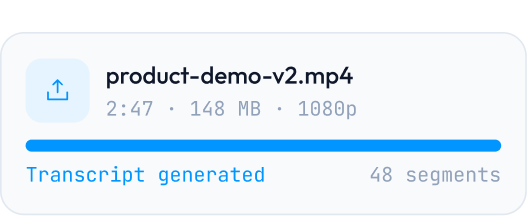
Prepare
Upload a video and generate a time-aligned transcript and subtitles.
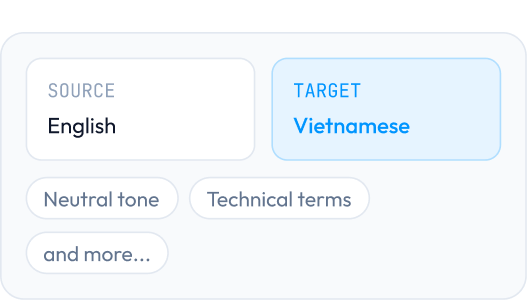
Translate
Choose a target language and guide tone, terminology, and audience intent.
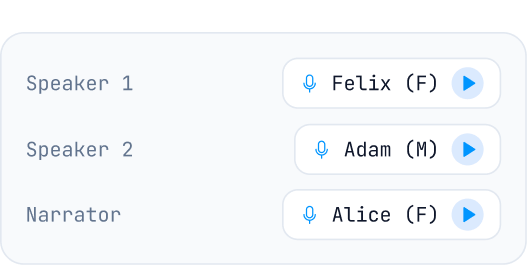
Assign voices
Review detected speakers and choose supported voices for each role.
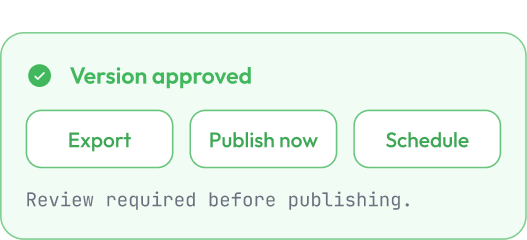
Generate and review
Compare the dubbed result, correct segments where needed, and review the version.
Hear the result. See what created it.
VoiceGo keeps the transcript, translation, speaker, voice, and generation state connected so you can understand and correct the output without rebuilding the entire project.
- Inspect the source and translated text side by side.
- Keep speaker and voice assignments visible.
- Compare original and dubbed playback.
- Edit a specific segment before regenerating it where supported.
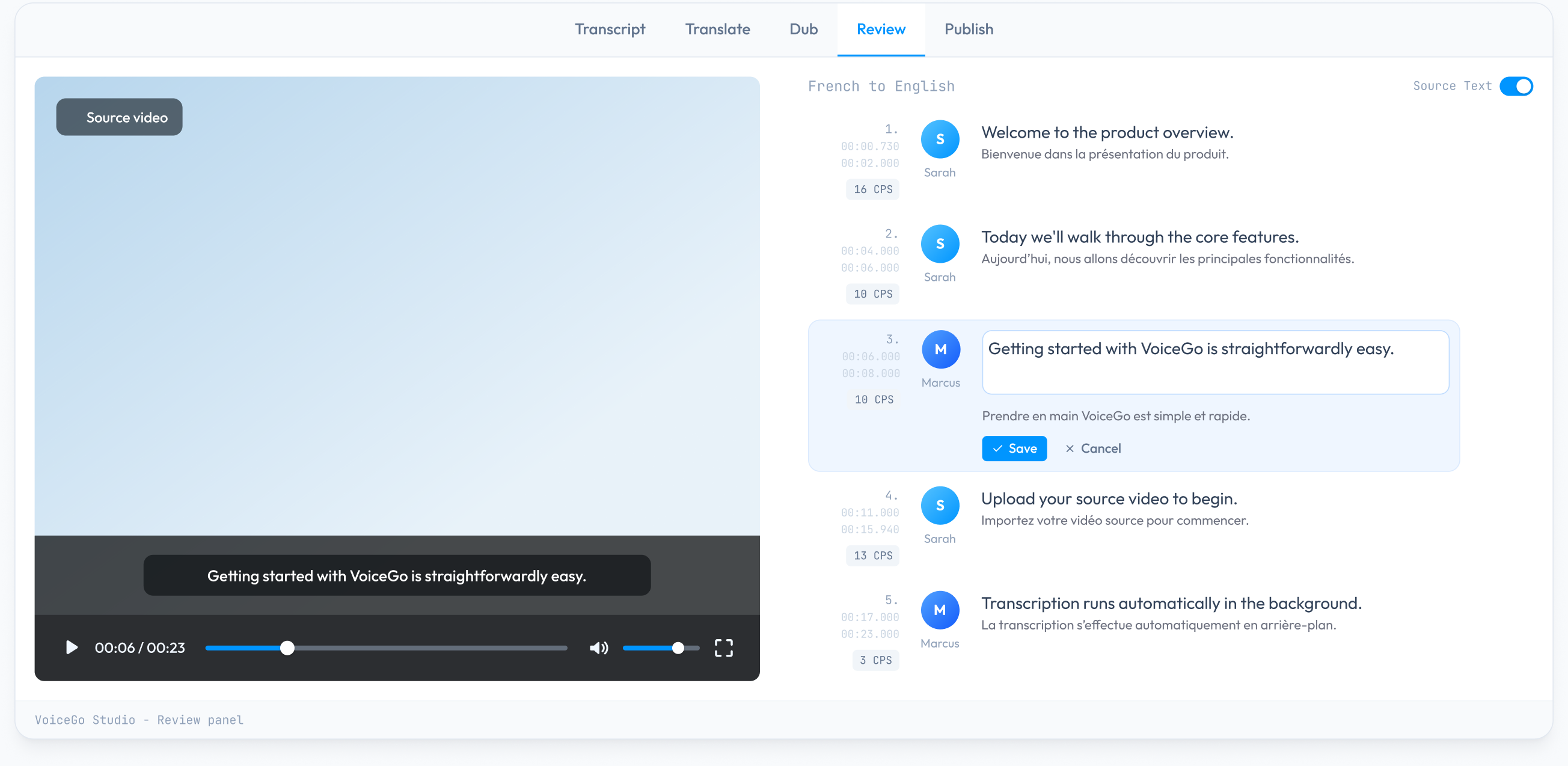
The controls you need, without a professional editor's complexity.
Each capability plugs into the same content journey — from source media to approved, published versions.
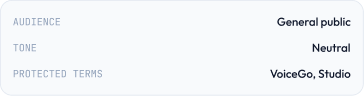
Translation guidance
Control audience, tone, terminology, and protected brand phrases.
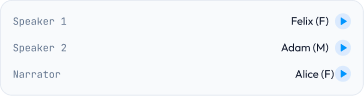
Speaker-aware voice assignment
Each detected speaker gets their own voice assignment and preview.
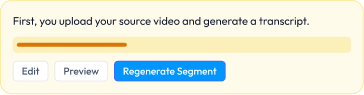
Segment-level correction
Select any segment, edit the text, preview, and regenerate only that section where supported.
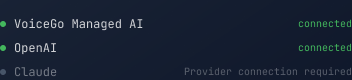
Flexible AI providers
Use VoiceGo-managed AI or connect your own supported provider key.
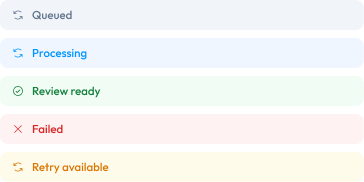
Clear generation states
Every state uses an icon plus text. Never color alone.
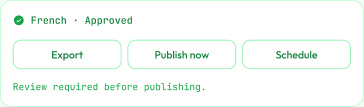
Approved output
Localized version approved and ready for next steps.
Create the next language version without starting over.
The source media, localized versions, transcript, voice decisions, and publishing history stay grouped under one campaign. Add a new language and the source is already there.

AI dubbing for the way you publish
Creators
Turn one source video into reviewed versions for different audiences in multiple languages.
See how creators use VoiceGoMarketing teams
Preserve campaign terminology, tone, and brand intent across localized content.
See how marketing teams use VoiceGoSocial media teams
Move approved language versions toward a visible publishing queue.
See how social teams use VoiceGoChoose your provider at each stage of the pipeline.
ASR, translation, and TTS are independent steps. Use VoiceGo-managed AI for any of them, or connect your own provider key where supported.
02 / TRANSLATION
Translation
Create a target-language draft that remains open to review before voice generation.
Provider for this stage
Capabilities vary by provider, model, language, region, and VoiceGo integration.
Independent at every stage.
Use VoiceGo-managed AI for ASR, your own key for translation, and a different provider for TTS. Each stage is configured separately.
Make your next video ready for more audiences.
Start with one source video, keep control through review, and move approved versions toward publishing from one workspace.